






Close deals with
Instalment Plans.
A quick reference for the Sales Team. Navigate applications, manage documents, and guide customers from approval to disbursement.
- Eligibility requirements
- Document checklists
- Application tracking
How can we help?
Select the platform you are currently using:
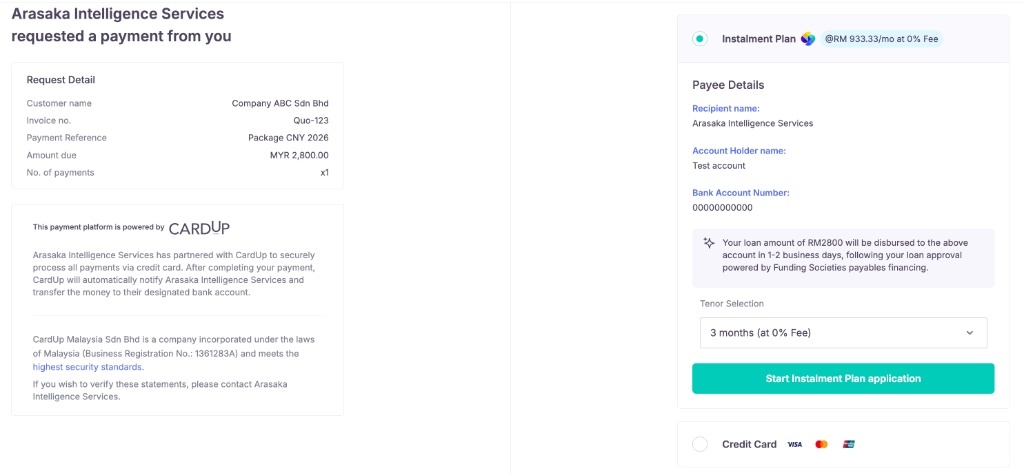
Option 1: CardUp Payment Page
- Login to CardUp.
- On the left panel, click Collect.
- Select either Payment Pages or Payment Requests.
- Click + Create Page or + Create Request.
- Enter customer details.
- Important: Ensure "Instalment Plan" is checked as a collection option.
- Share the link with your customer.
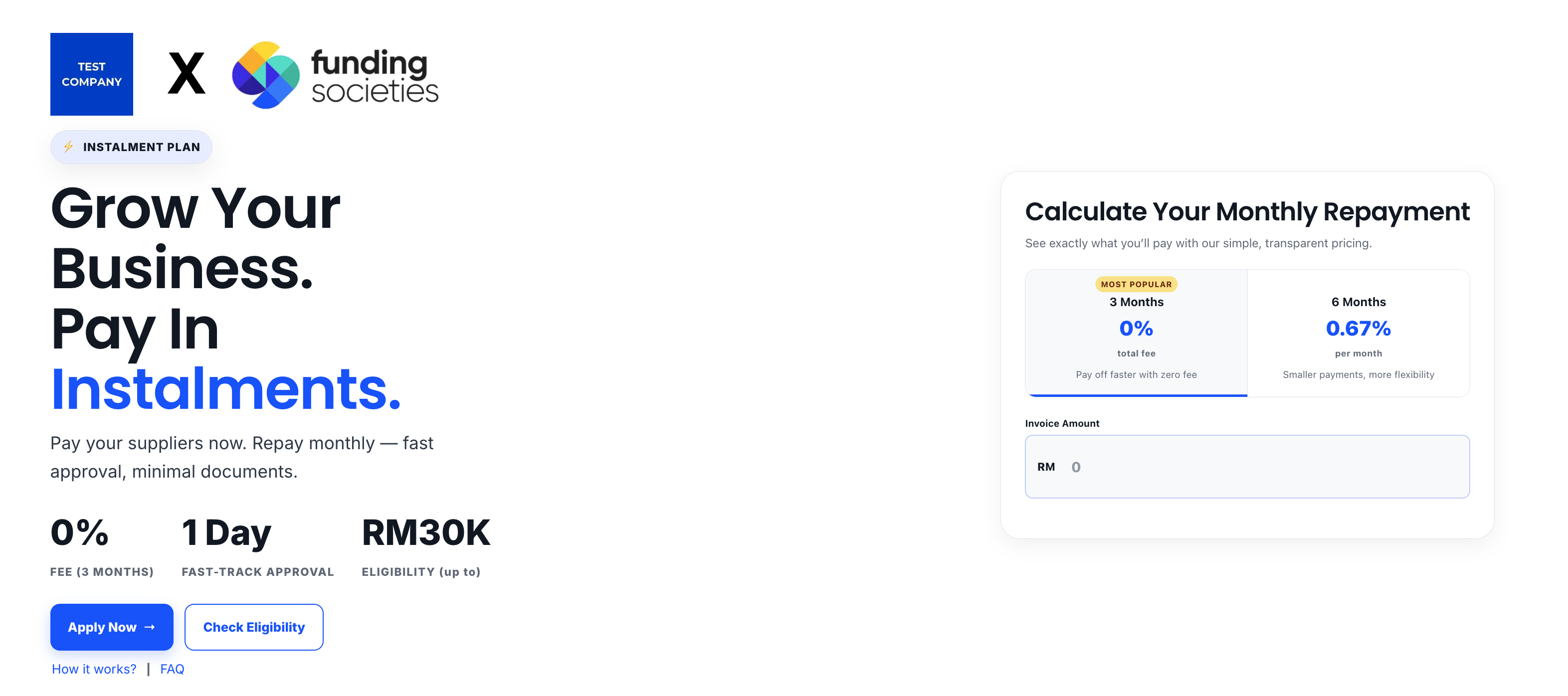
Option 2: Funding Societies Partner Page
Share your unique partner page URL with the customer. It will look like this:
If your customer encounters issues, ensure they are prepared with the following:
Information Required
We will collect details about the Applicant (Director) and the Company, plus essential documents (NRIC & Bank Statements).
Device Requirement
The applicant must have a working camera (Mobile or Laptop) to complete the Liveness / E-KYC verification step.
View real-time updates in the Seller Dashboard.
Log in to DashboardCustomer Email Notification
Customer receives an email titled: [Funding Societies] Next steps to receive your funds.
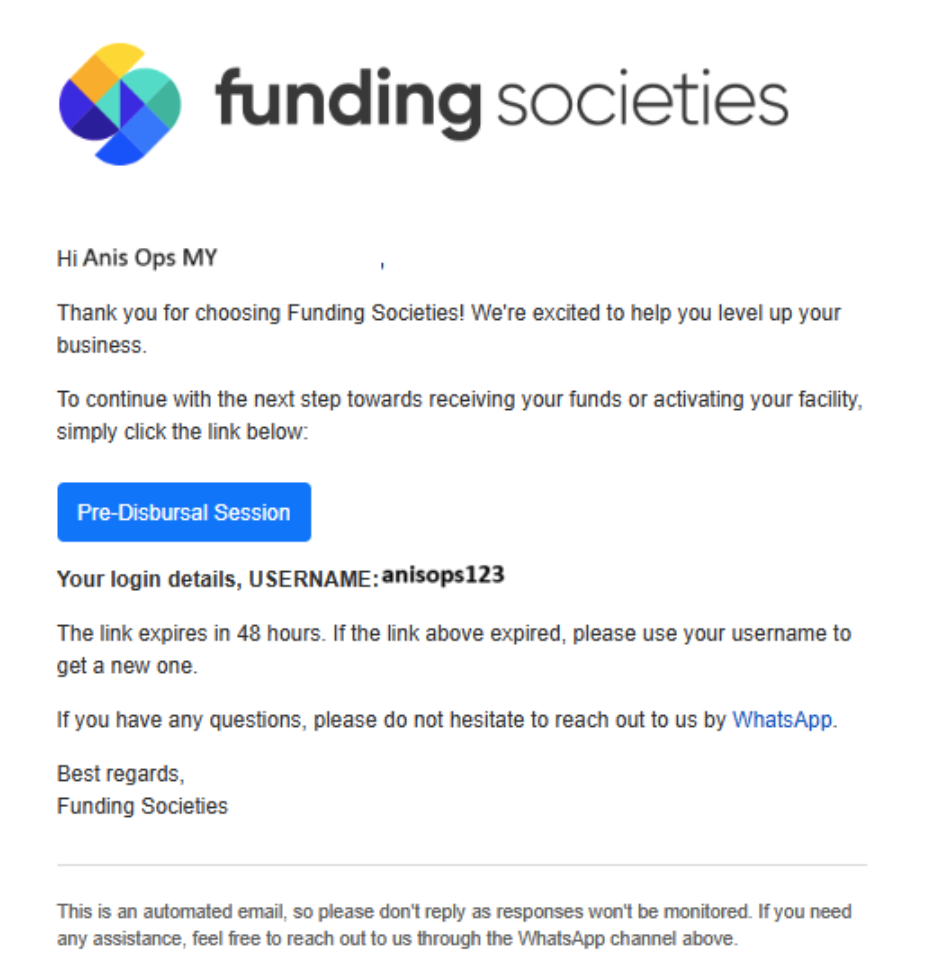
E-Sign Offer Letter
Customer clicks "View Offer" and signs digitally.
Note: The video below demonstrates the acceptance process using sample documents.
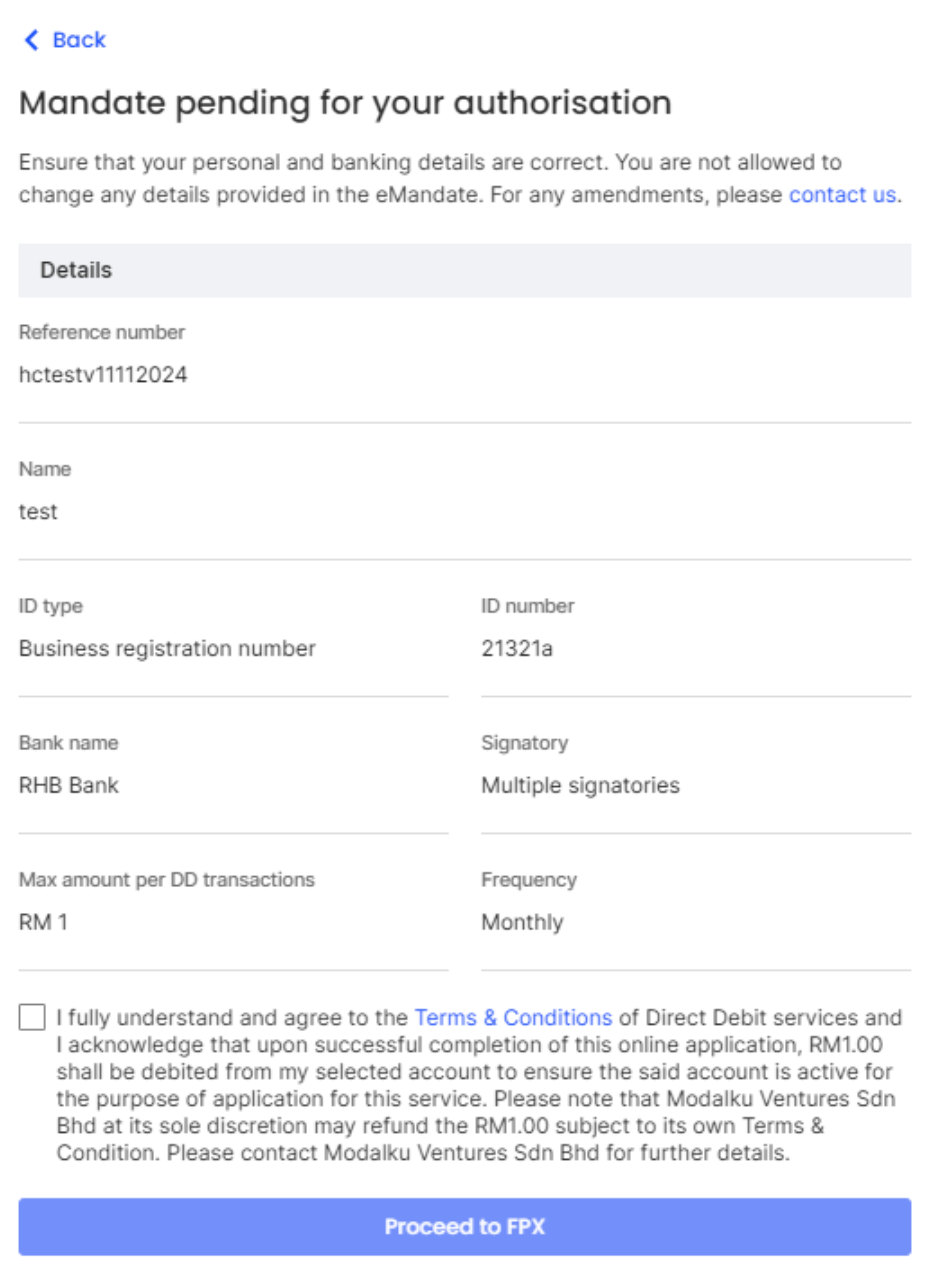
Direct Debit Setup (Mandate)
Customer must authorize the Direct Debit mandate.
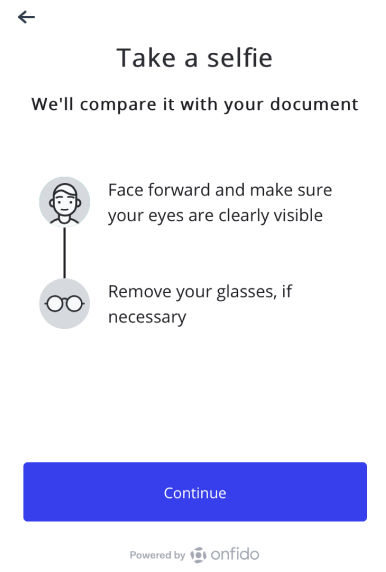
E-KYC (If Applicable)
If the customer used the Assisted Flow, they must now complete Liveness Verification (Face Scan).
Customers often ask why specific private data is required. Use these answers to reassure them.
SSM Registration Number
Purpose: KYC & Credit Underwriting.
Verifies the business is a legal entity and allows us to check the company's health.
Bank Statements
Purpose: Credit Underwriting.
We analyse cash flow to ensure the business can comfortably afford the instalment repayments.
Director's NRIC
Purpose: KYC & E-KYC.
Mandatory regulatory requirement to verify the identity of the person running the business.
Internal Review
Our team reviews documents. We will reach out if anything is missing.
Outcome Notification
We will email the customer (and you) regarding the status: Approved or Rejected.
Offer Letter
If successful, the Offer Letter is sent directly to the customer's email.
Activation & E-KYC
Customer must e-sign their acceptance and set up Direct Debit.
Want to check where your customer is in the process?
Log in to DashboardCheck the Dashboard
You can view the latest disbursement status directly on the Seller Dashboard.
Notification
You will receive an email notification once the funds have been successfully disbursed to your account.


